Physical Address
Lahore, Pakistan
Physical Address
Lahore, Pakistan
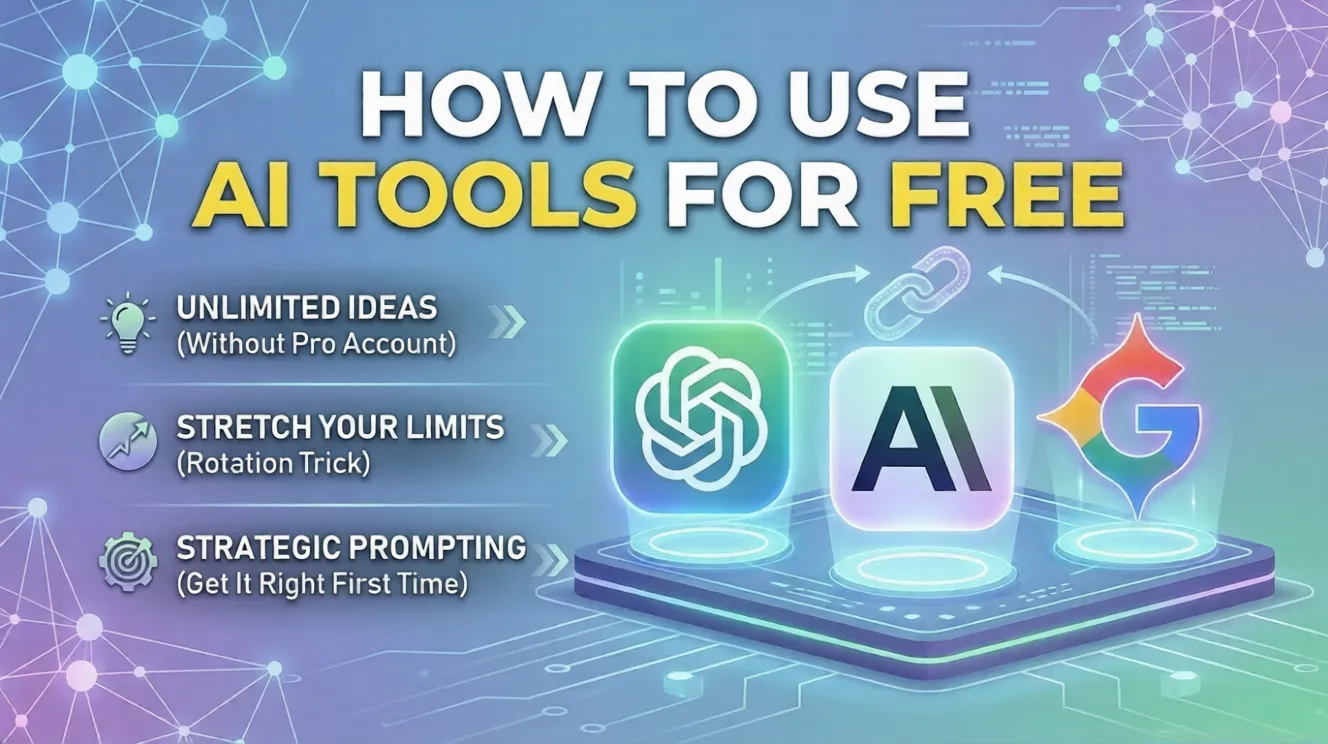
Let’s be honest for a second. Every single time you open social media or check your tech feeds, someone is talking about how a brand-new AI tool completely changed their life. Your classmate is using it to break down confusing data models, freelancers are automating their client emails, and there’s always that one guy claiming he built an entire application in one weekend using nothing but free AI prompts and pure willpower.
But whenever you actually sit down to try these tools yourself, you run into a massive wall. You type in a couple of sentences, click enter, and boom—a bright premium popup appears saying, “You’ve reached your limit. Upgrade to Pro for $20 a month.” It makes you wonder: Is it actually possible to get serious, high-level work done using only free AI tools? Or are the free tiers just useless demos meant to trick you into pulling out your card?
The good news? You can absolutely run a full website, study for major entry tests, or manage coding projects completely for free. You just have to stop using these tools blindly.
Let’s break down exactly how the free AI landscape works and look at the smart workarounds you can use right now.

Most major AI companies rely on a very specific business model. They give you a taste of a highly capable model for free, wait until you integrate it into your daily routine, and then quietly squeeze your usage limits so you feel forced to upgrade.
Because of this, a lot of people think free tiers are just a waste of time. But that’s a misconception. The free tiers of top-tier models aren’t broken; they are incredibly powerful engines. The catch is that they require a bit of strategy to operate.
Think of it like driving a manual car versus an automatic. Paid users can just mindlessly type whatever they want because they have unlimited fuel. Free users need to understand how to switch gears properly to stretch their tank. If you learn how to handle the free tiers smartly, they will easily cover 90% of your daily learning, content creation, and technical workflows.
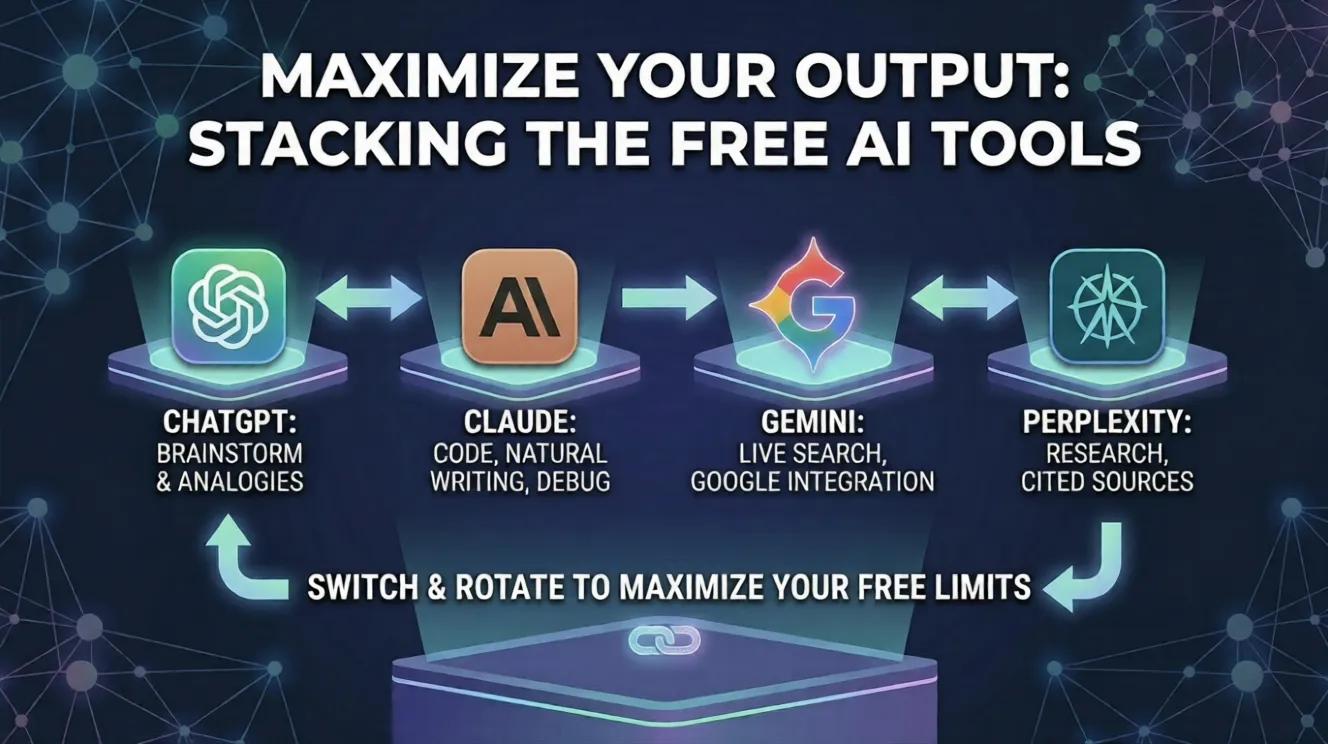
Instead of cluttering your browser with fifty different random AI websites that ask for your credit card after three clicks, you only need to focus on a core group of platforms. Each one has a specific superpower.
The free version gives you access to their core smart architecture. It’s still the absolute king when it comes to rough drafting, breaking down complex topics into simple analogies, and helping you map out structures for big projects.
If you need something written that actually sounds like a human wrote it—completely free of that robotic, generic AI tone—Claude is your go-to. It’s also incredibly sharp at reading code snippets, finding bugs, and explaining logic step-by-step without making weird mistakes.
Gemini’s biggest strength is its deep integration with live Google search data and your personal workspace. If you need to check a trending tech event that happened yesterday or quickly export data into a clean draft format, Gemini handles it instantly.
Think of this as a search engine that actually reads the links for you. Instead of giving you ten blue links to open, it scours the web, answers your exact question, and provides direct footnotes showing exactly where it got the data.
If you treat a free AI chatbox like a casual Google search bar, you’re going to burn through your high-speed message limits in fifteen minutes. To make your free accounts last all day, you need to apply a few technical habits.
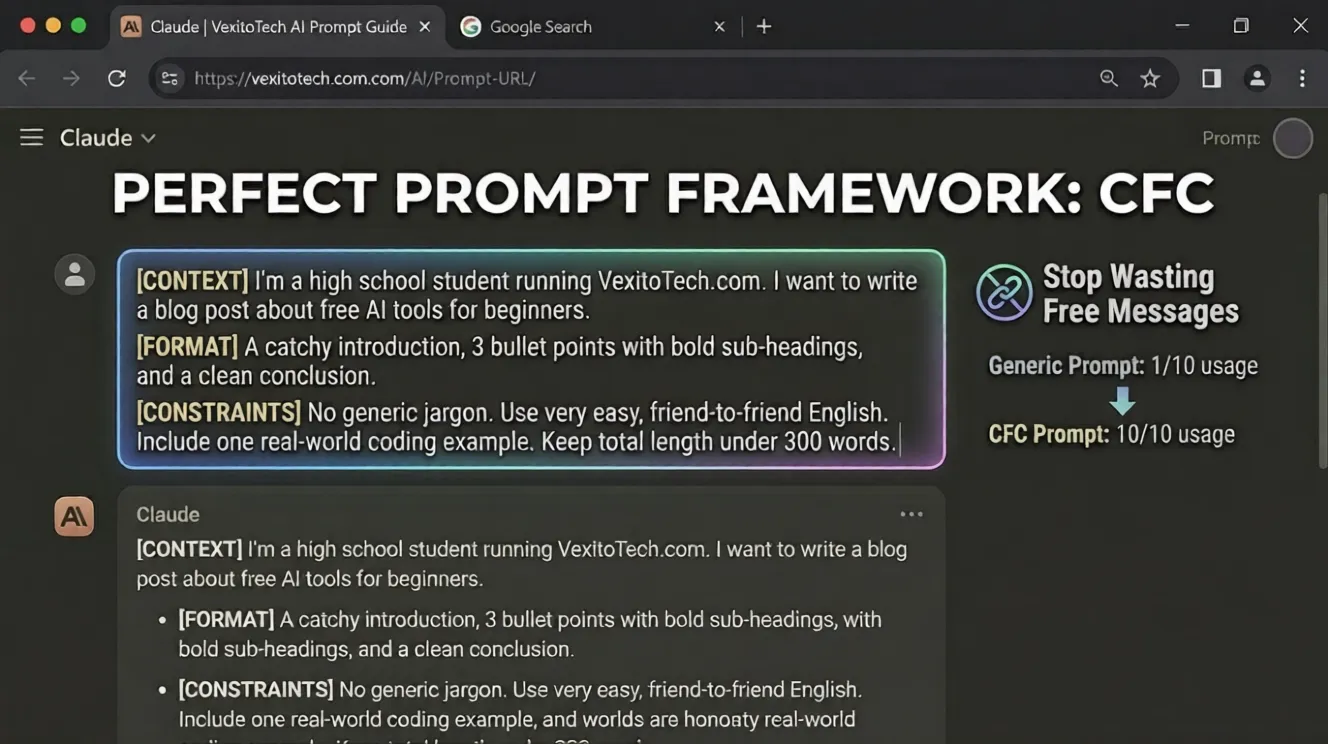
The number one reason free users hit limits is because they write vague prompts. If you type something generic like “Write an article about software engineering trends,” the AI will give you a boring response. Then you’ll type five more messages trying to correct it, wasting your quota.
Instead, pack everything into your very first message using a simple rule: Context, Format, and Constraints.
By giving the AI the full picture upfront, you get a perfect response on the first try, saving your message count for the day.
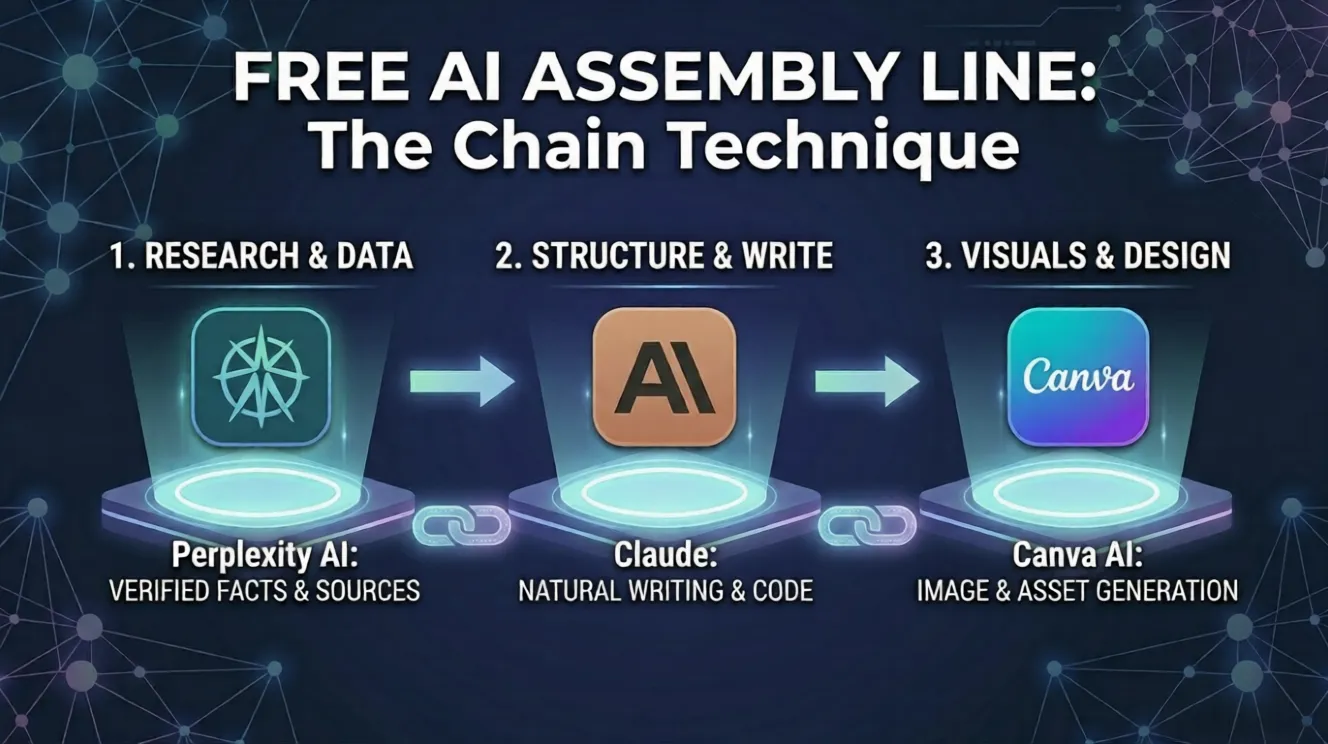
Don’t ask one single tool to do all the heavy lifting. Instead, make them work together like a team. This distributes the load so you never cross the red line on a single account.
For example, if you’re building a massive project or writing an in-depth technical guide:
This is a simple but highly effective life hack. When you are deep into a heavy study or development session, and ChatGPT suddenly hits you with a cooldown timer, don’t stop working. Simply copy your ongoing notes, open Claude or Gemini in a parallel tab, paste the context, and keep rolling.
Let’s look at what people are actually achieving without spending a single dollar on premium software subscriptions:
Unless you are running a massive agency or generating heavy recurring revenue from your digital tools, you do not need to buy a premium AI subscription. The free tools available right now are significantly more capable than the paid versions were just a couple of years ago.
The most valuable skill you can build right now isn’t having the most expensive tool on the market—it’s knowing how to orchestrate the free ones to do exactly what you want.
Start treating the free tiers as real, flexible platforms, learn their boundaries, and you’ll get premium results every single time.